Scoring & displays
How the scoreboard works and how to put it on a TV.
Scoring
Every throw is detected and added to the score as it lands. There’s nothing to type in or mark down, and the scoreboard updates itself.
Display mode
Display mode is a full-screen scoreboard for a TV or projector. It follows the game as it’s played and shows a QR code so players can join from their phones.
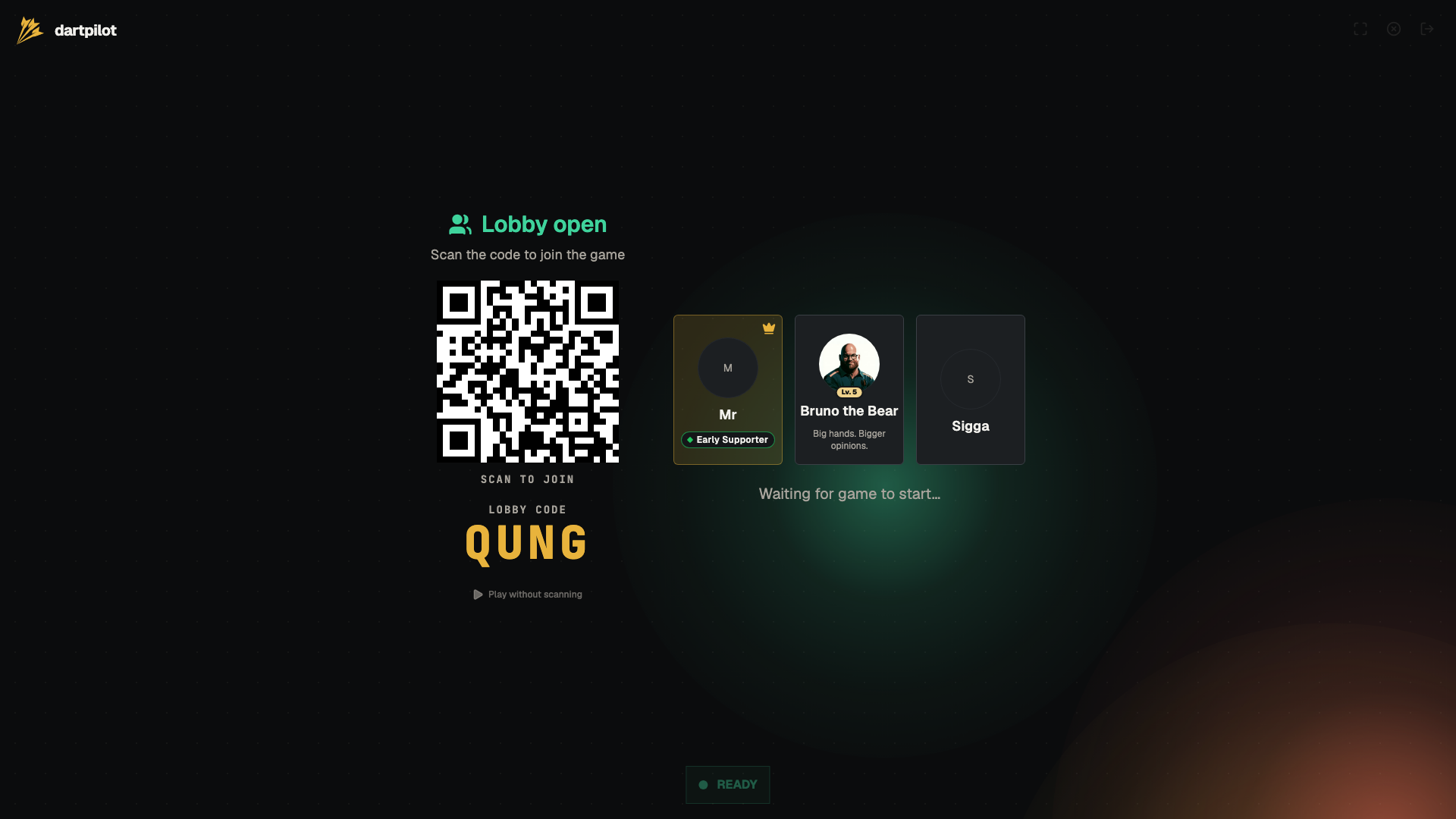
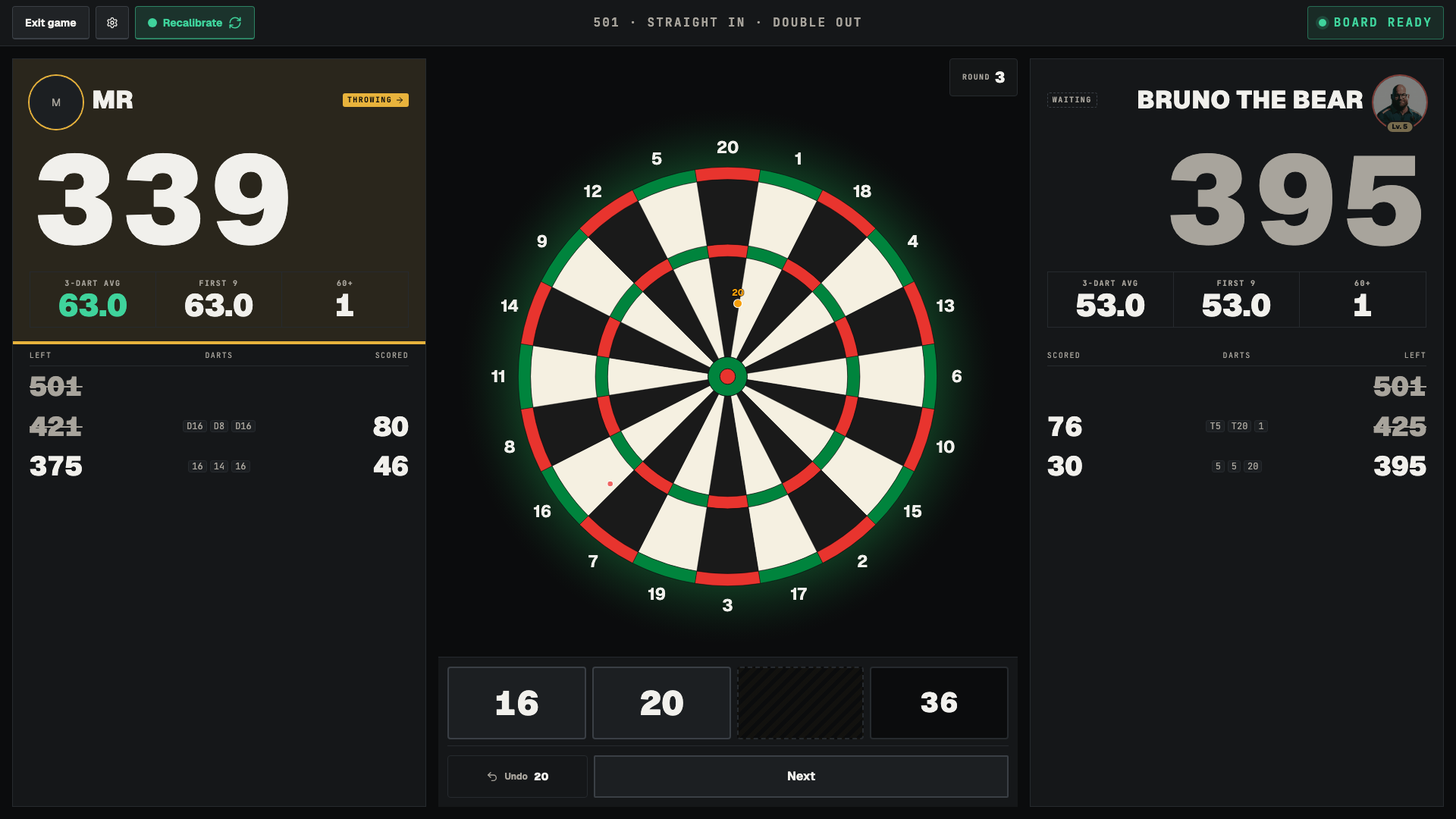
Open it from the desktop app: in the Web UI panel, choose Open Web UI. The scoreboard opens in its own window. Put that on the screen everyone can see.
Display mode is built to be left running. If the connection drops, it reloads and rejoins the game on its own.