Play
Pick a game and start a match.
Play is where games start. The library is grouped by type: Classics, Party, Strategy, and Training. Each game has its own rules, tips, and player count.

-
Open Play.
-
Pick a game. On a computer its details appear alongside the list. On a phone, tap the game to open them.
-
Read the rules and tips if the game is new to you.
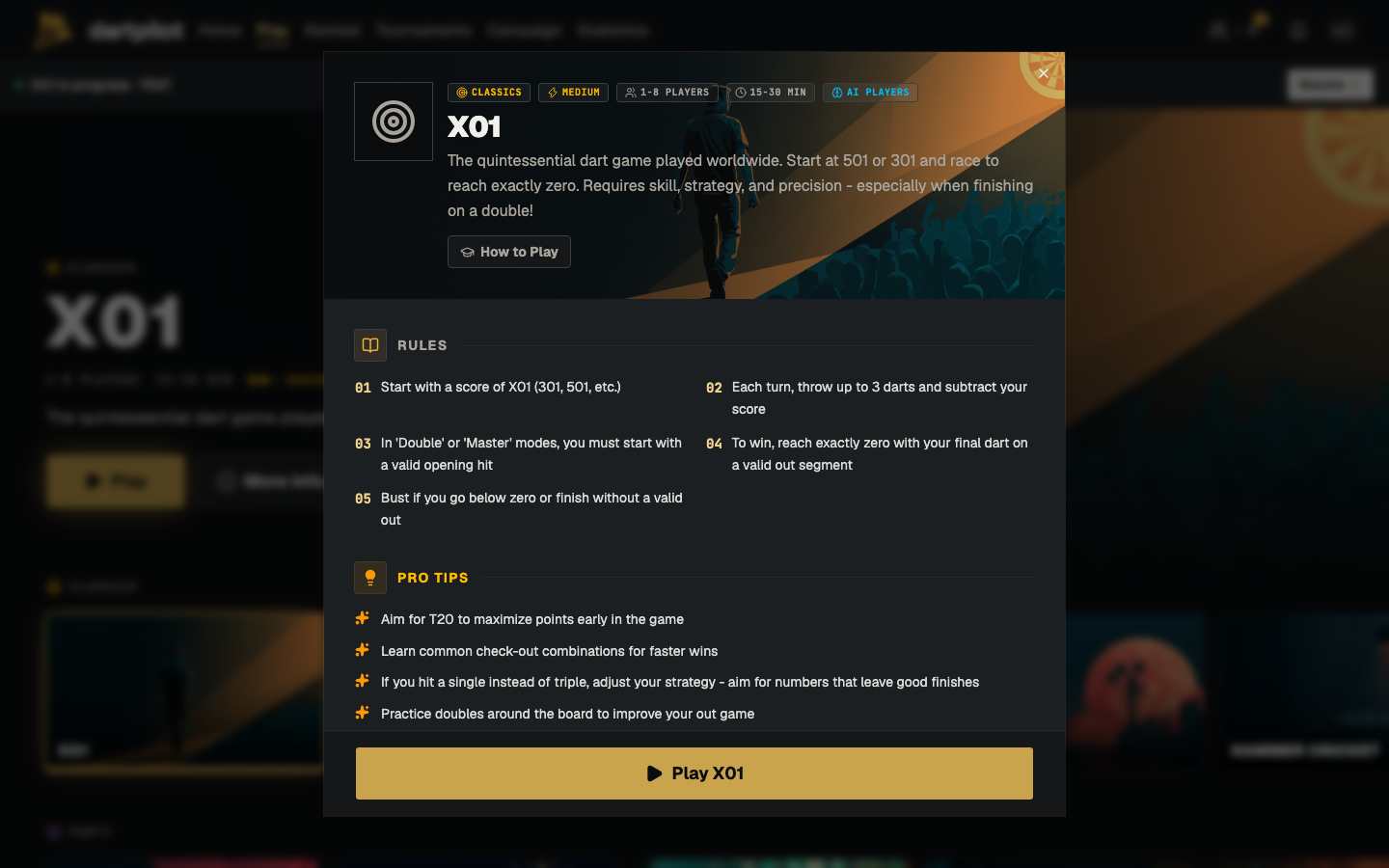
-
Set up the lobby: add players, choose the board, and start once everyone is in.
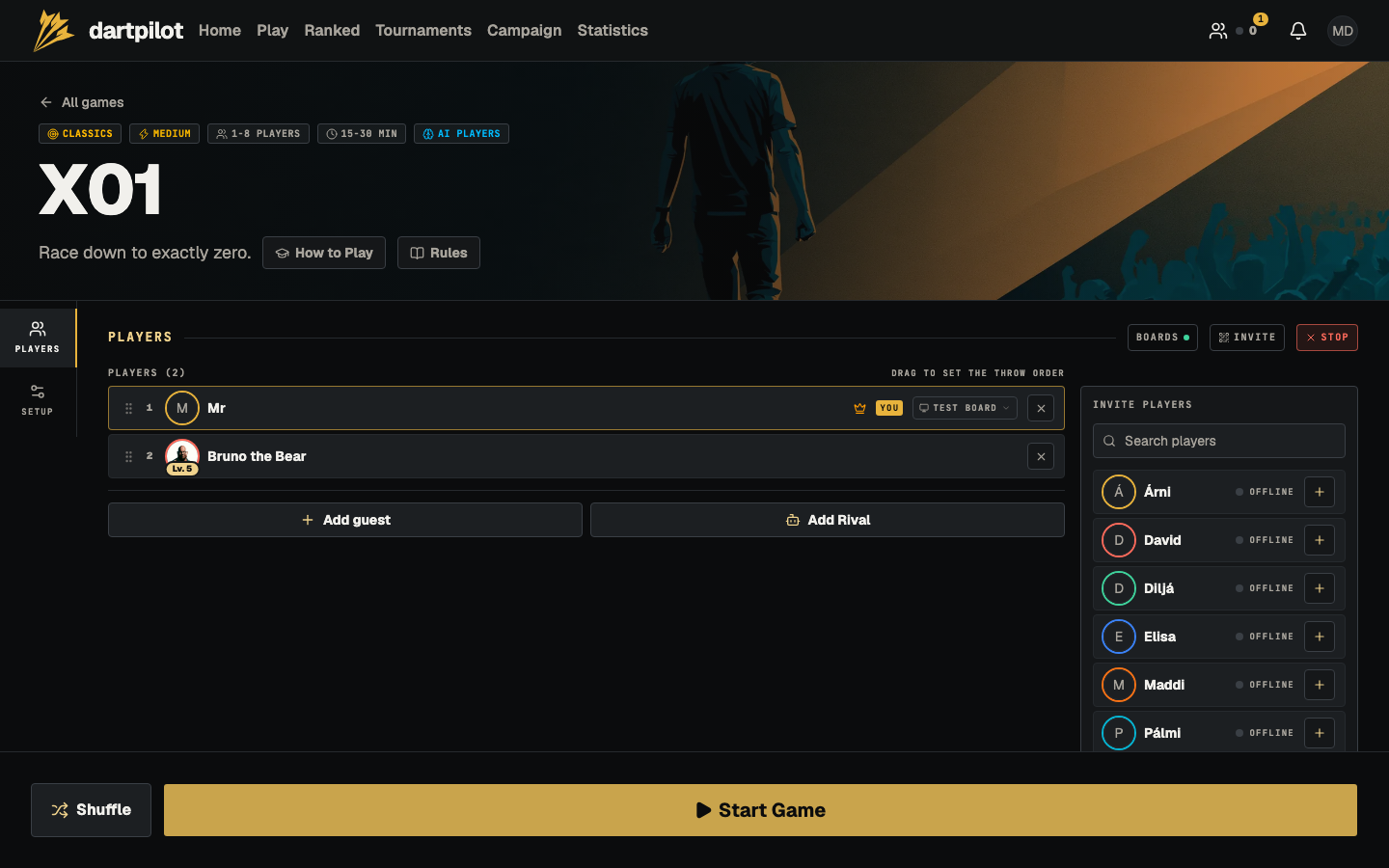
If you have a game in progress, Play offers to take you back to it.
Every game needs a running board to score. If you do not have one yet, see Joining a board or Board setup.