Your first game
Throw your first scored game once setup and calibration are done.
With calibration done and the desktop app running, you can play a full game.
- Open the web app on a phone, tablet, or computer.
- Join your board.
- Choose a game. X01 is a good first one.
- Add players and start.
- Throw. Each dart is detected and the score updates on its own.
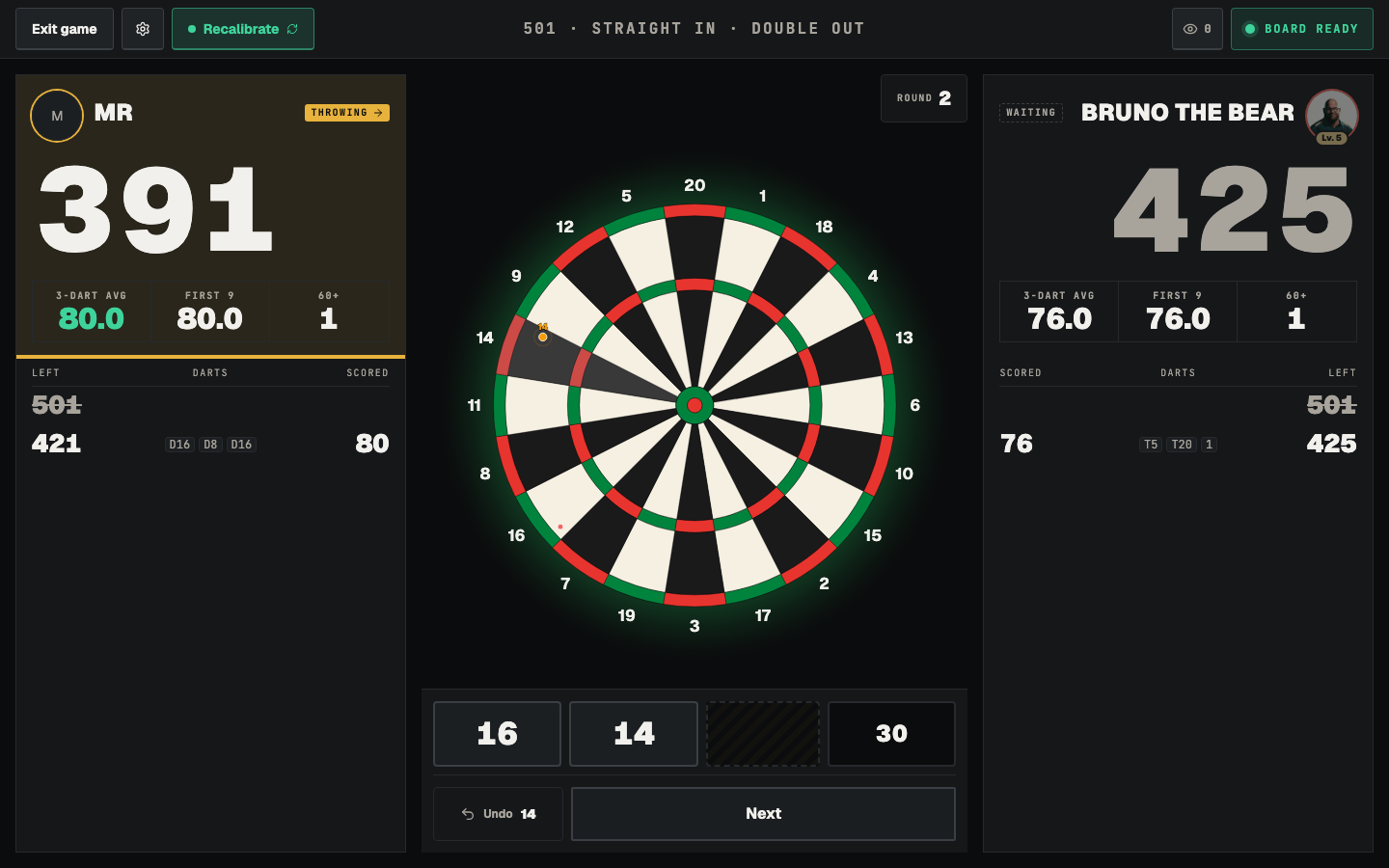
If a throw doesn’t register, see Calibration or Troubleshooting.